Mastering Meta Ads: Understanding the “Create New Campaign” Screen
Hey team! Let’s decode the very first step in running ads on Facebook and Instagram (Meta). This screen decides what you want to achieve and how you’ll pay for it. Get this right, and you’re already halfway to success!
1. Choose a Buying Type (How You Pay)
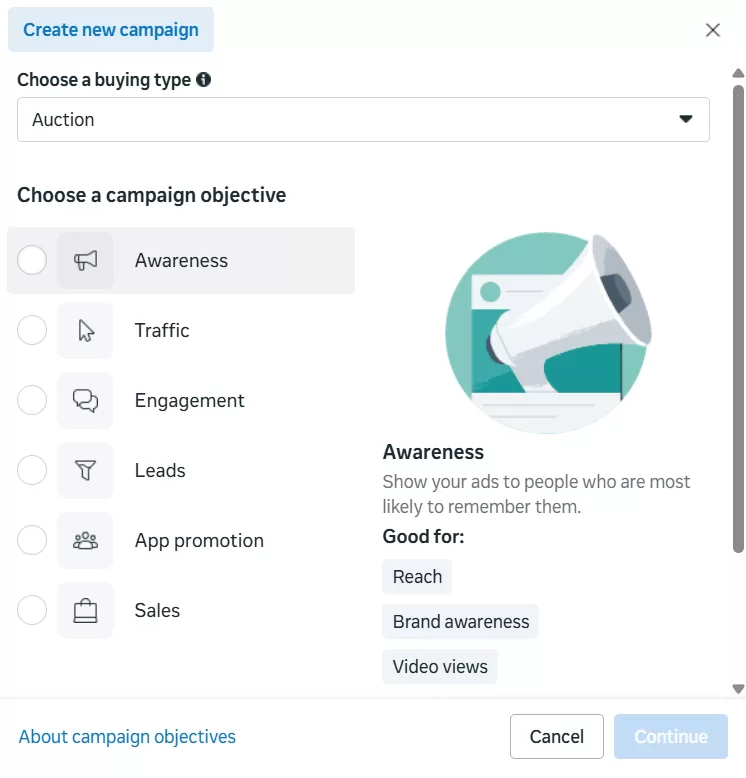
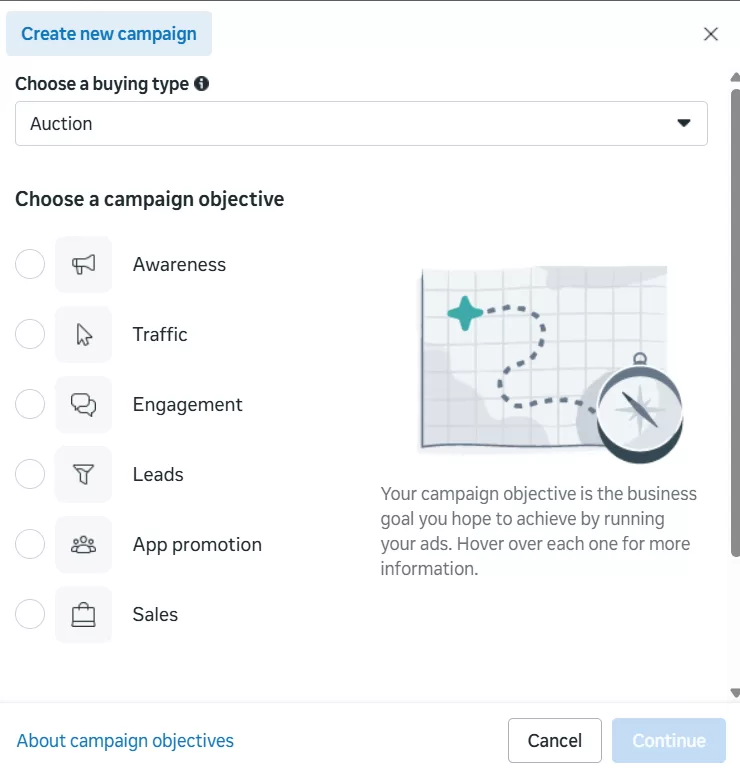
This choice determines the mechanism Meta uses to deliver your ad. For 99% of new advertisers, the choice is Auction.
| Option | Description | Best For… |
| Auction | Buy in real time with cost-effective bidding. You compete dynamically with others. Meta finds the cheapest opportunities to show your ad to the right person. | Most goals: Sales, Leads, Traffic, Engagement. (Start here!) |
| Reservation | Buy in advance for more predictable outcomes. You guarantee a specific reach and price beforehand. | Large brands, major product launches, or campaigns requiring guaranteed exposure. |
2. Choose Your Campaign Objective (Your Business Goal)
This is the most critical decision. Meta’s algorithm is a highly specialized tool; it only performs well when you tell it exactly what kind of result you want.
| Objective | Business Goal | When to Use It |
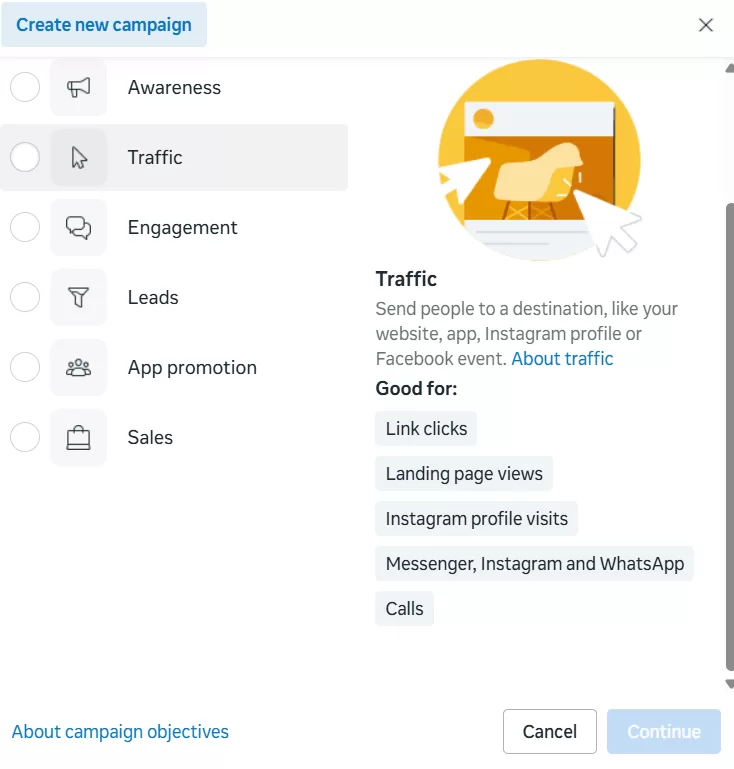
| Traffic 🚦 | Get people to click your ad and visit a specific page/URL. | Driving blog views, increasing website visitors, sending people to a landing page. |
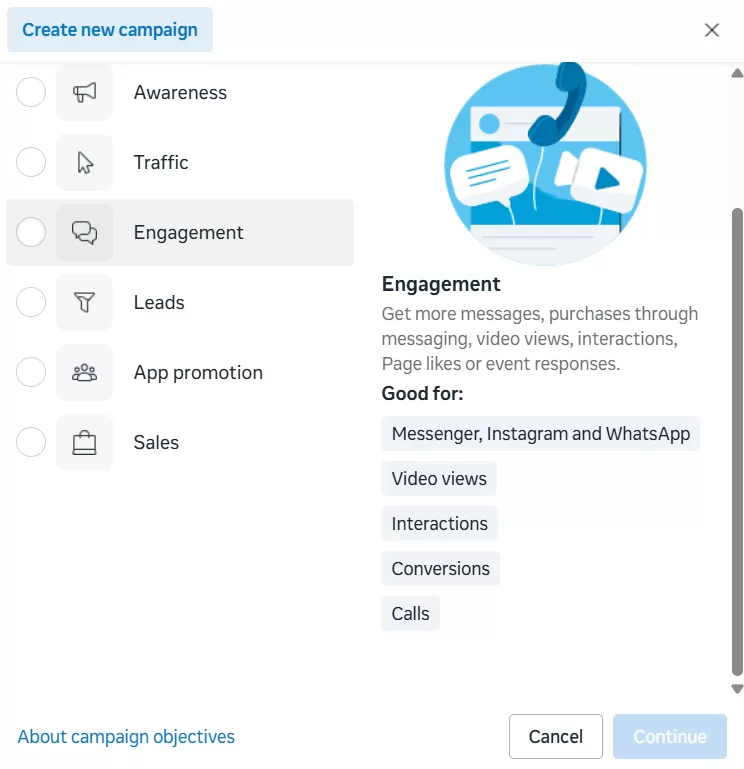
| Engagement 💬 | Get reactions (Likes, Comments, Shares), video views, or event responses. | Building community, boosting a specific post, getting feedback. |
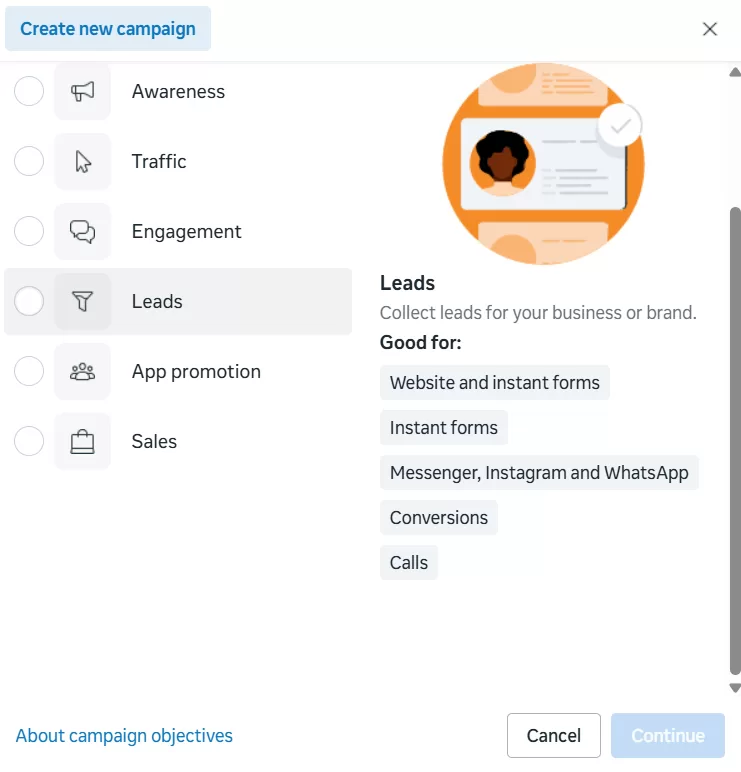
| Leads 📝 | Collect contact information (Name, Email, Phone) from potential customers. | Building an email list, getting sign-ups for a webinar/demo, collecting sales inquiries. |
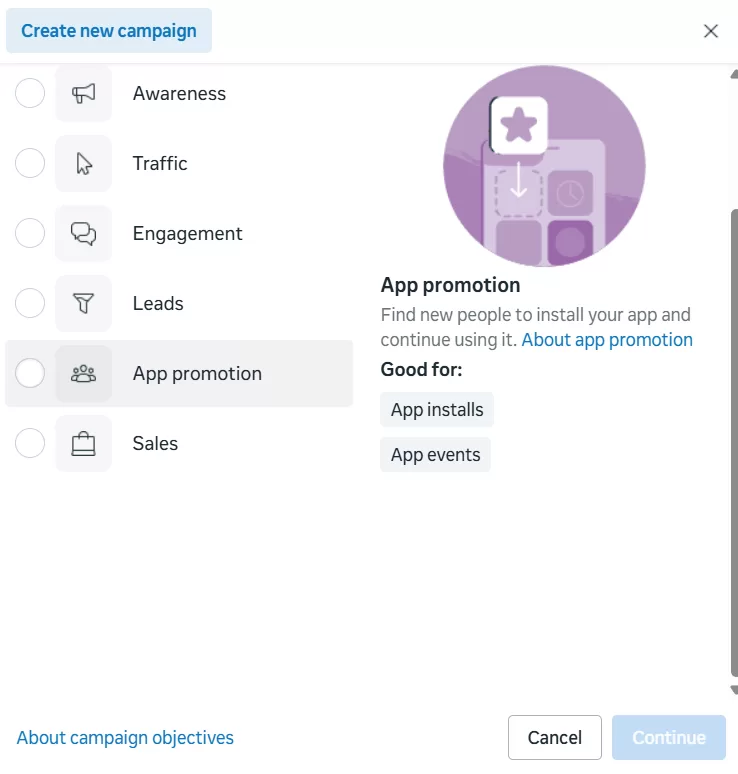
| App promotion 📱 | Get people to download your mobile app or take an action inside the app. | Marketing a new app or trying to re-engage existing app users. |
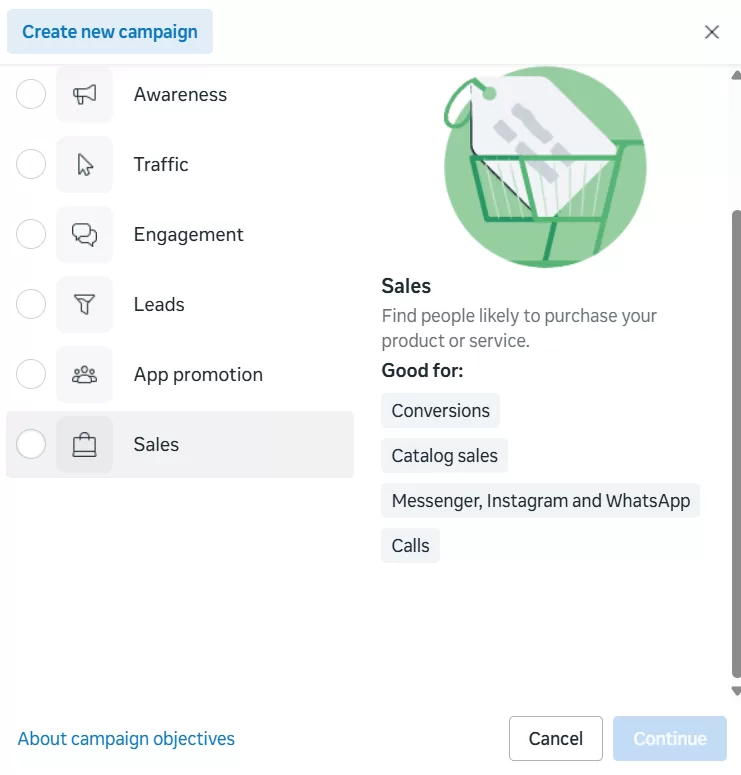
| Sales 💰 | Encourage people to buy your product or service directly from your website. | E-commerce stores, selling digital products, or driving high-value conversions. |
3. The Simple Step-by-Step Flow
Here’s how to move forward once you’ve made your choices:
Define Your Goal: Ask: “What is the final action I want the customer to take?”
Select Your Objective: Click the radio button next to the goal (e.g., Sales).
Confirm Buying Type: Ensure Auction is selected (default).
Click Continue: Move to the next screen to set your budget, audience, and creative.
💡 Key Things To Be Aware Of
⚠️ The Golden Rule: NEVER choose an Engagement objective if your real goal is Sales. The algorithm will focus on finding “Likers,” not “Buyers.”
✅ Need the Pixel: For Leads and especially Sales, you must have the Meta Pixel installed on your website. This is how Meta tracks success and gets smarter over time.
⏳ The Learning Phase: When you launch a new ad, the system needs to gather about 50 results (purchases, leads, etc.) per week to optimize properly. Be patient during this time and avoid making changes!
🎯 Our Conclusion
Success in Meta Ads starts with clarity. Treat this screen like you’re setting the GPS for your campaign. Be precise, choose the objective that matches your cash register, and trust the auction system to find the best deal for you! Let’s go build that legacy!